How can we help?
Deleting content from your MSFS Content Manager
Running out of hard drive space with all the addons and updates in Microsoft Flight Simulator? Then why not delete what you no longer need?
To delete content from your Microsoft Flight Simulator is extremely easy and you can just as easily re-install what you have deleted before by re-downloading it from the server.
On the Microsoft Flight Simulator main screen, select the PROFILE option as indicated by the red circle.

Select the CONTENT MANAGER option as indicated by the red circle.

Search for the addon package you want to delete. You can do this manually or you can use the provided SEARCH option on the top left of the screen.

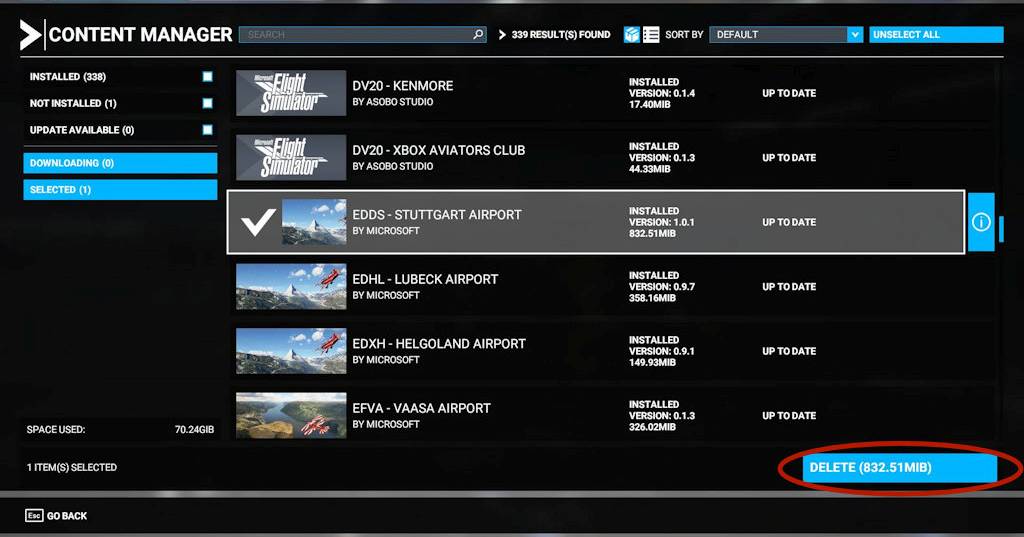
Once you find the add-on package you want to delete, click on it with your left mouse button. When you do that, you will see that a tick mark will appear next to the add-on package you have selected. It is possible to select multiple items this way, so you do not need to do this one at a time.
Something else that will also be visible now is the DELETE button on the bottom right of the screen as indicated. Press the DELETE button with your left mouse button.
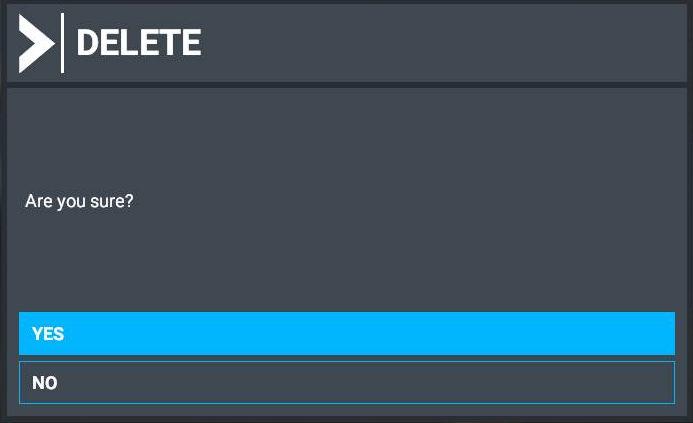
Once you press the delete button, the message as below will pop up asking you to confirm your choice. Choose YES to delete or NO to abort.
If you press YES now and you regret your choice later, then you can very easily restore the addon by re-downloading it again.